Tablet Karaoke IngoKids
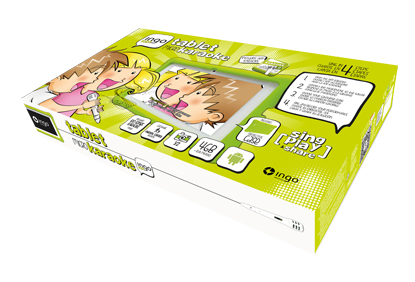

Tablet Karaoke IngoKids
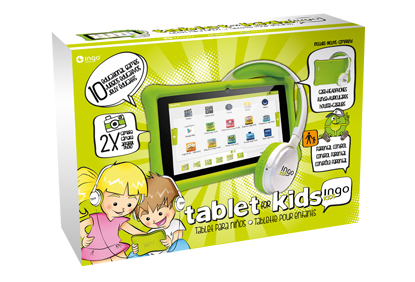
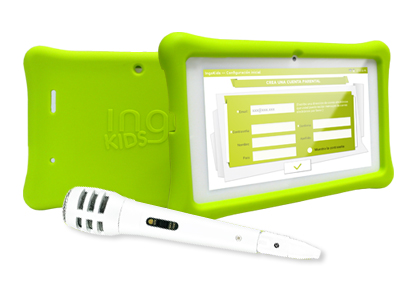
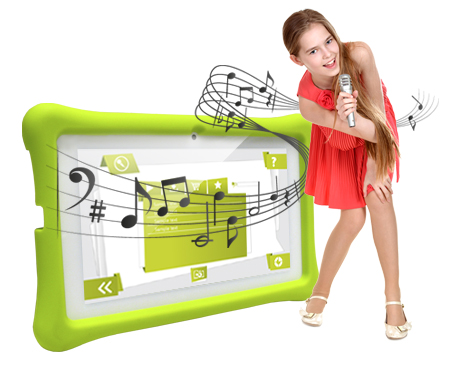
Become a real star thanks to Ingo Devices Karaoke Tablet, a tablet for kids with all benefits, 7 "screen, front and rear camera and wifi android 4.3 system. Includes parental control software IngoKids with multiple user accounts to manage time of use, online access and filter application tablet for kids. Include Ingo Karaoke app preinstalled with 100 songs to sing karaoke universal all day!
Description
Kid’s Tablets - 100% fun guaranteed.
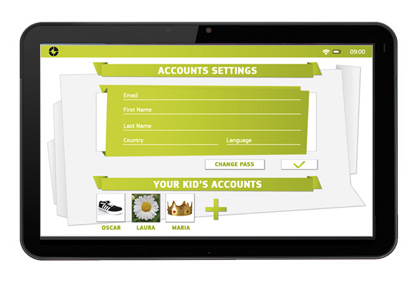
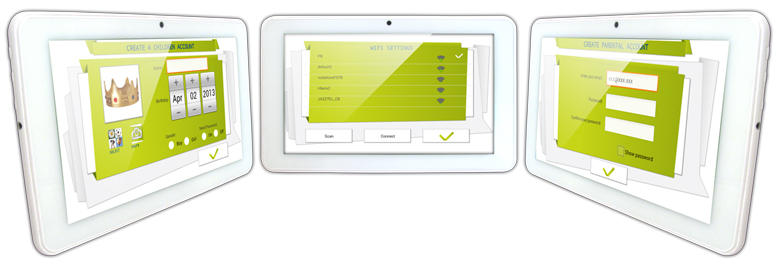
The new Premium Tablet by Ingo Devices simply combines fun and security, so that children can enjoy from the latest technology and parents can be assured that they are safe. IngoKids looks out for you! The new IngoKids software has been developed for parents to control the use of the tablet. Create unlimited user accounts, which allow you to control the online content, create a list of websites with permitted access, time limits for each of the user accounts.
The best from Google Play
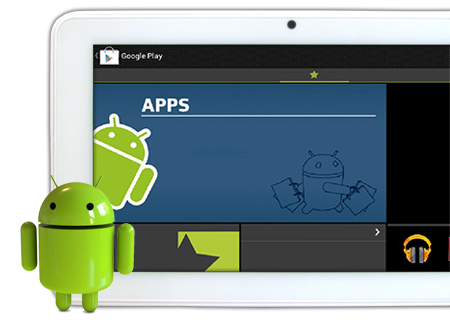
With the new Premium Tablet by Ingo Devices download the best apps, play fun games, as well as watch films, read books and listen to your favourite songs, this is all available to download from the Google Play Store.
App Karaoke
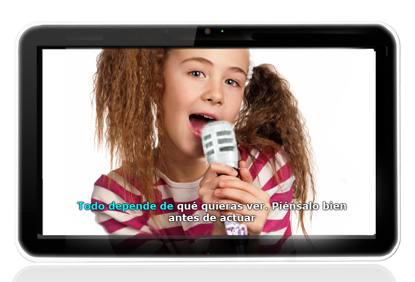
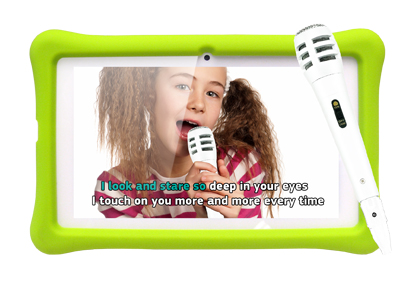
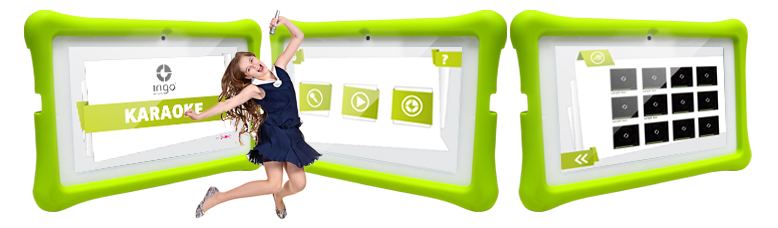
The Tablet for kids include Karaoke app, where you can sing karaoke songs to 100 Universal and become a singing star. Record your performances and share them with friends and family.
Karaoke Songs
The karaoke Ingo Devices allows you to feel like a real star, singing all éxtios now and forever with 100 universal karaoke songs.Greatest Hits of Lady Gaga, Justin Bieber, Shakira, LMFAO, Alejandro Sanz and many more!
Features

Operating system
Android 4.1
Screen
7"
Front camera
0.3 mpx
Back Camera
2 mpx
CPU
1,2 GHz
RAM memory
512
Flash memory
4 GB
WiFi
si
Connexions
Mini USB
Bluetooth
Si
Accessories
-
Tablet Bag
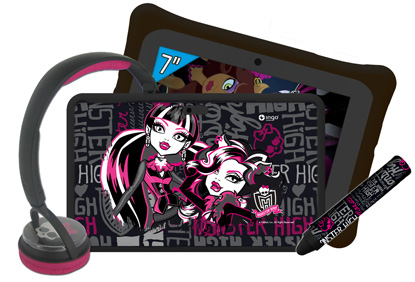
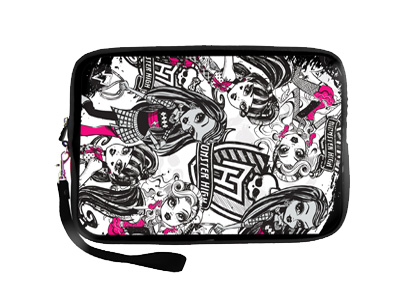
The new neoprene Monster High Tablet case keeps your tablet safe with a zip ...Discover more >
-
Tablet Bag
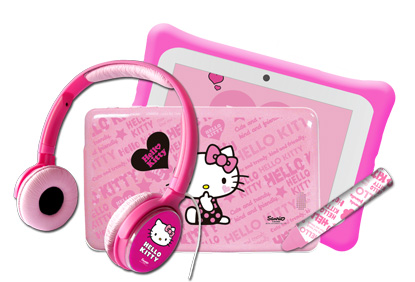
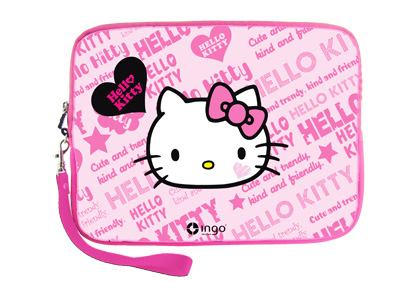
The new neoprene Hello Kitty Tablet case ...Discover more >
-
Tablet Bag
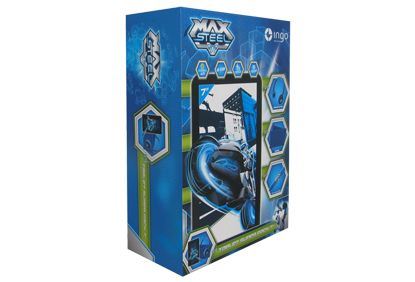
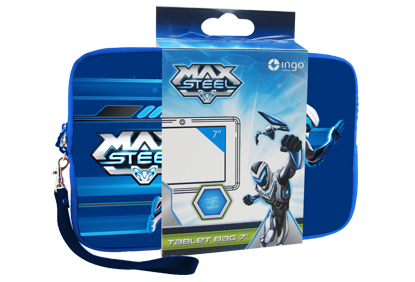
Case of Max Steel Tablet that lets you save the tablet from bumps and scratches ...Discover more > -
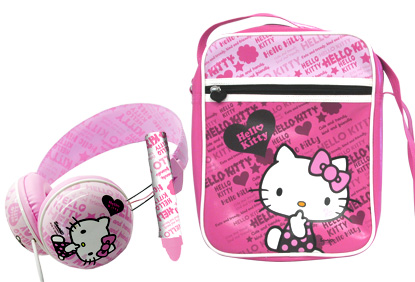
Tablet Accessories Pack
Take your tablet with you wherever you go, listen to your favourite music ...Discover more >
-

Accessories Pack
With the Violetta accessory pack take your ...Discover more >
-
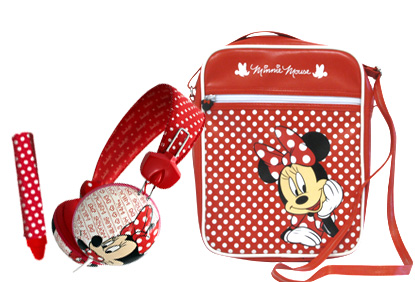
Tablet Accessories Pack
Take your tablet wherever you want, listen to your favorite music and precise ...Discover more > -
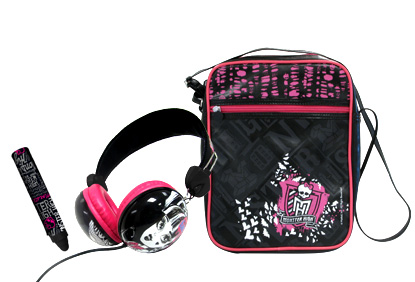
Tablet Accessories Pack
Take your tablet wherever you want, listen to your favorite music and precise ...Discover more > -
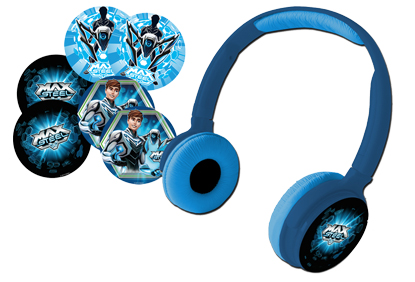
Headphones
Headphones audio Max Steel Butt turbo!. More powerful, longer cable and all ...Discover more > -
Headphones
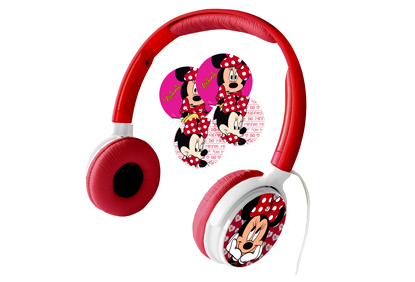
Minnie Mouse presents us with their latest Headphones. More power to listen, ...Discover more > -
Headphones
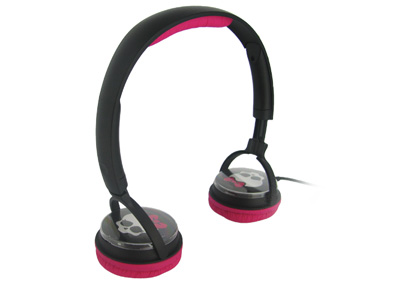
Monster High presents us with their latest Headphones. More power to listen, ...Discover more > -
Headphones
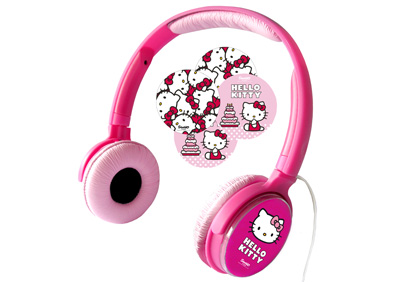
Hello Kitty presents us with their latest Headphones. More power to listen, ...Discover more > -
Headphones Premium
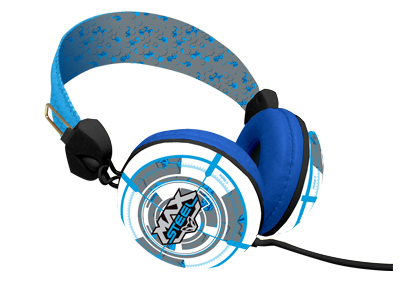
Max Steel Premium Headphones with unique design and premium quality. With this ...Discover more > -
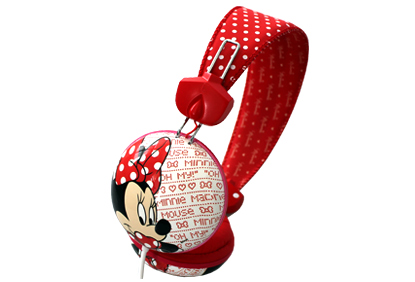
Headphones Premium
Design and quality join forces to create new Headphones Premium from Minnie. ...Discover more > -
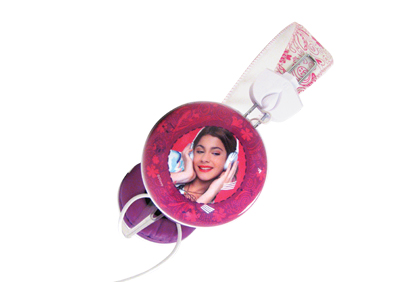
Headphones Premium
Design and quality come together to create new Premium Auricularaes Violetta. ...Discover more > -
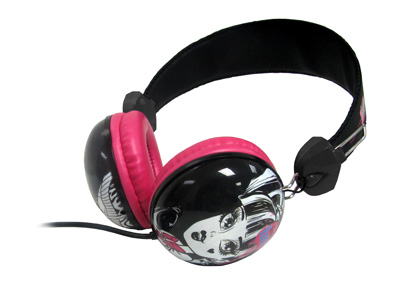
Headphones Premium
Design and quality join forces to create new Headphones Premium from Monster ...Discover more > -
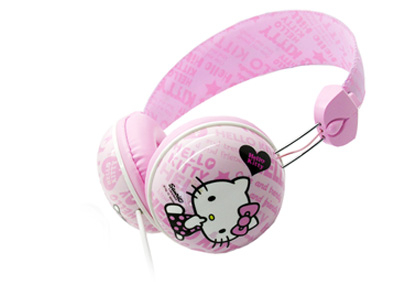
Headphones Premium
Design and quality join forces to create new Headphones Premium from Hello ...Discover more >
Manuals
Manuals
F.A.Q.
An update message has appeared on my screen, Should I update it?
At Ingo Devices we are constantly working to improve our products. The updates will improve the function, process and performance of your device.
Tablet doesn’t power ON.
Check the tablet’s power level, charge it with the adaptor for 2 hours and check again.. Or connect your tablet with your computer via USB cable to see if it can be powered on.
Loud noise from earphones or speaker
Check if there is dust in the earphone or speaker. Check if the file is broken
Tablet gets locked and doesn’t respond to touch or buttons.
Reset your tablet. You can use a pin to stab the reset hole to restart your tablet
Screen drift or unresponsive screen
To correct it, you may go to Settings > Accessibility > Touch panel calibration to calibrate it; In case calibration can’t be carried out, you may press the power button for about 15 seconds to force the tablet to shut down. Calibration will be automatically done as soon as you start up your tablet again. Use a USB mouse to carry out calibration operations on your tablet.
Application not workable
Not all Android apps are compatible with all Android devices. If you have downloaded the app try to download it again and reinstall it.
How delete a Google account?
If an account is added, the account is shown in “Accounts & sync” of “Settings”, where you may also add another account. To delete an undesired account, go to “Settings” > “Privacy settings” > “Factory data reset”. Your tablet’s internal storage, installed apps, etc. will also be deleted, except pre-installed apps and the data in your flash memory. Be careful before you carry out this operation
Can you charge the Tablet with a USB port?
No, due to the internal battery durability the tablet can only be charged with the charger included in the box.
Can more than one person use the Tablet?
Yes, you have the option of creating different user accounts each with different restricted access.
What is Ingo Kids?
Ingo Kids is a specialised software designed so that parents can safely and easily manage how their children can use their Tablet, such as, only browsing safe internet websites, time limits, apps available to younger children … In summary it allows children to have fun, whilst protected from online treats.