Tablet Premium 7
Tablet Premium 7
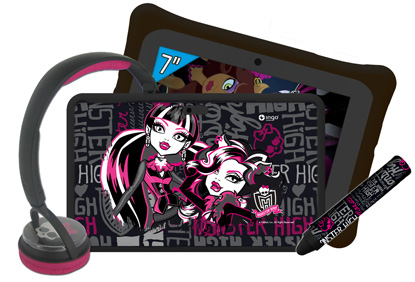
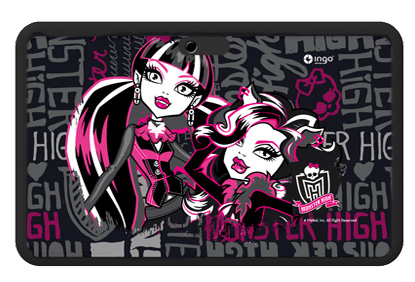
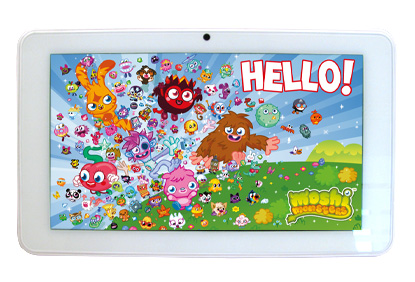
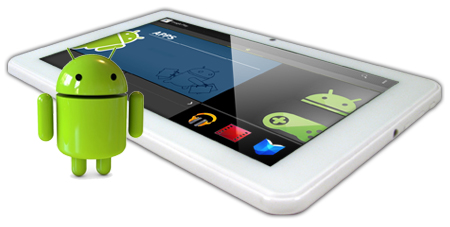
The new Moshi Monsters Tablet has finally arrived with a 7” screen, dual camera (front & back), Wi-Fi, and the android 4.1 operating system. It includes Ingo Kids Parental Controls with user accounts, application filters, time control and online content control. Download all of your favourite apps from Google Play.

Description
Kid’s Tablets - 100% fun guaranteed
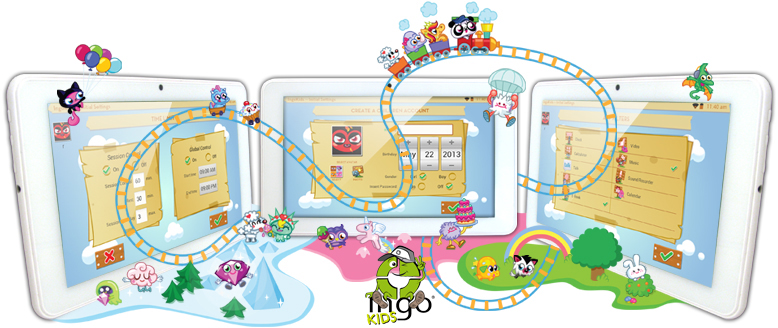
The new Moshi Monsters Tablet by Ingo Devices simply combines fun and security, so that children can enjoy from the latest technology and parents can be assured that they are safe. Ingo Kids looks out for you! The new Ingo Kids software has been developed for parents to control the use of the tablet. Create unlimited user accounts, which allow you to control the online content, create a list of websites with permitted access, time limits … for each of the user accounts.
The best from Google Play
With the new Moshi Monsters Tablet by Ingo Devices download the best apps, play fun games, as well as watch films, read books and listen to your favourite songs, this is all available to download from the Google Play Store.
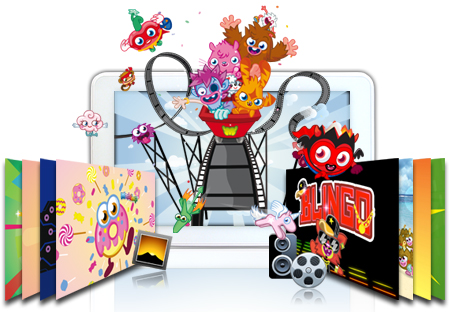
100% Entertainment
Enjoy every moment with films, songs and books with the new multimedia centre on the Moshi Monsters Tablet by Ingo Devices. It comes with a video and music player, e-book reader and a great photo gallery to store all of your pictures.
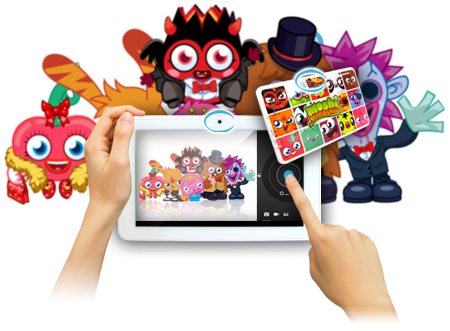
Smile!
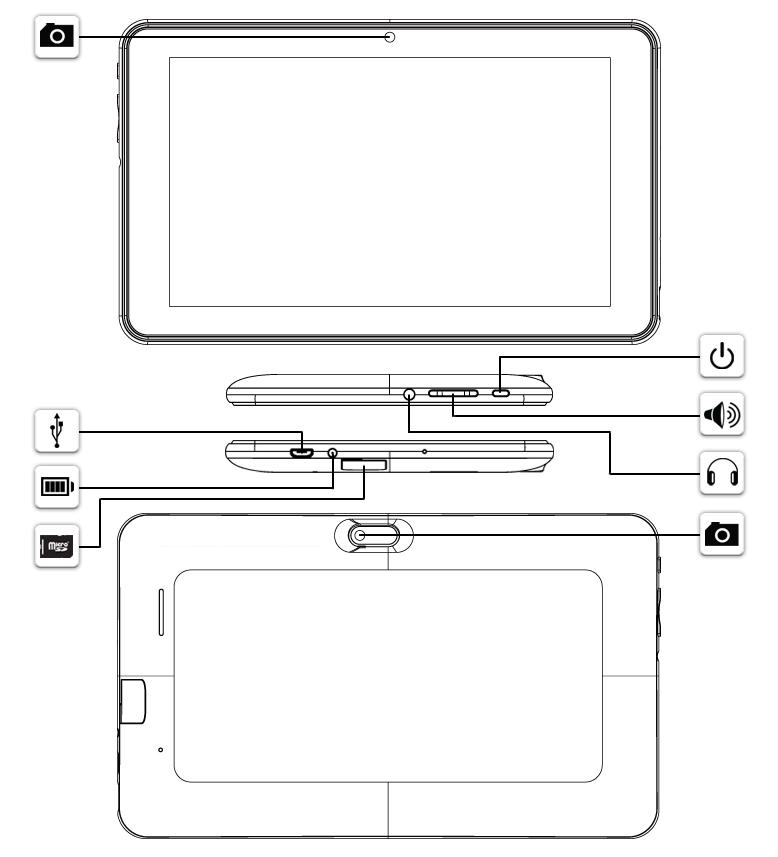
With the new Moshi Monsters Tablet take all the pictures you want. It comes with a front camera to make fun video calls and a back camera to take pictures of all your family!
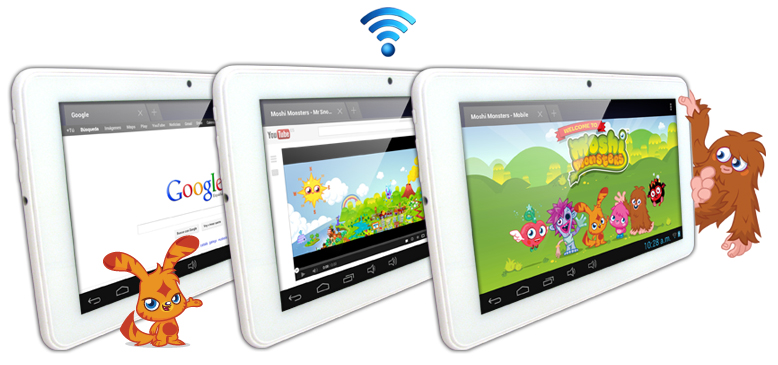
Find out more!
With the Moshi Monsters Tablet by Ingo Devices you can, under parental supervision, connect to your favourite online channels. Follow the latest trends, watch the latest videos and even connect to the internet via Wi-Fi.
Features
Commercial Product Code
MMU007D
EAN code
8436539203469
Operating system
Android 4.1
Screen
7"
Front camera
0,3 mpx
Back Camera
2 mpx
CPU
1,2 GHz
RAM memory
512 MB
Flash memory
4 GB
Additional memory
Micro SD
WiFi
Si
Battery
300 mAh lithium battery
USB connection
Mini USB
Accessories
-
Tablet Accessories Pack
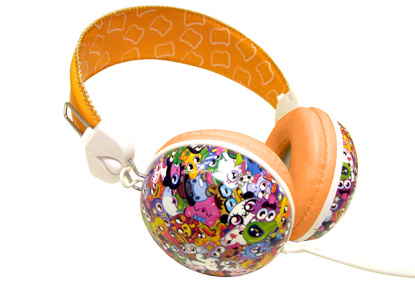
Take your tablet with you wherever you go, listen to your favourite music ...Discover more >
Manuals
Manuals
Other manuals >F.A.Q.
Application not workable
Not all Android apps are compatible with all Android devices. If you have downloaded the app try to download it again and reinstall it.
Screen drift or unresponsive screen
To correct it, you may go to Settings > Accessibility > Touch panel calibration to calibrate it; In case calibration can’t be carried out, you may press the power button for about 15 seconds to force the tablet to shut down. Calibration will be automatically done as soon as you start up your tablet again. Use a USB mouse to carry out calibration operations on your tablet.
Tablet gets locked and doesn’t respond to touch or buttons.
Reset your tablet. You can use a pin to stab the reset hole to restart your tablet
Loud noise from earphones or speaker
Check if there is dust in the earphone or speaker. Check if the file is broken
No sound from earphone
Check if volume is set to ‘0’. Or earphone may be broken, please change another one
Tablet doesn’t power ON.
Check the tablet’s power level, charge it with the adaptor for 2 hours and check again.. Or connect your tablet with your computer via USB cable to see if it can be powered on.