
Tablet Super Pack 7
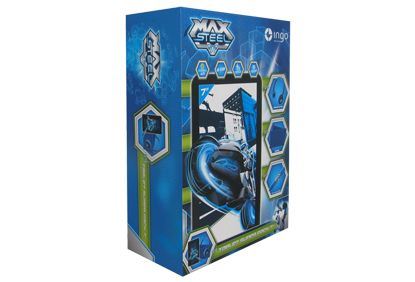
Tablet Super Pack 7
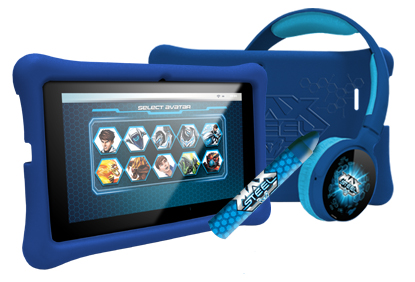
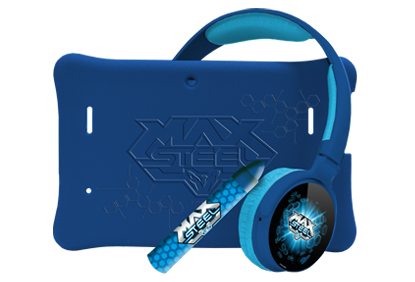
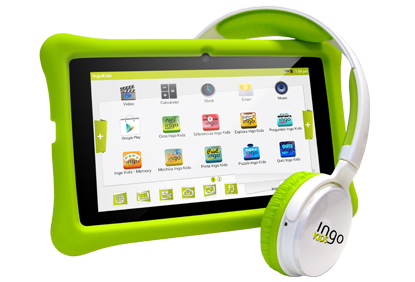
The complete pack for Kids Tablet tablets Super Pack Max Steel. The Tablet Super Pack includes a fantastic Tablet 7 "with a 7" screen, front and rear camera, wifi and android 4.1 system. Download all your favorite applications with Google Play. Includes design software with 100% Max Steel. A highly resistant protective, very modern headphones and a digital pen, all with unique Turbo design.
Description
Kid’s Tablets - 100% fun guaranteed
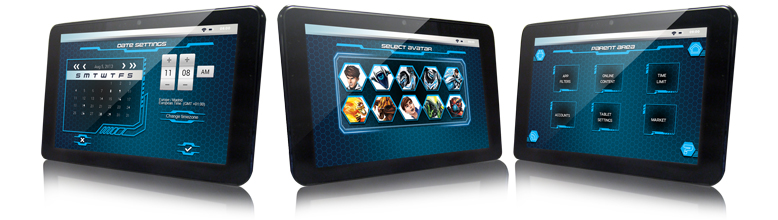
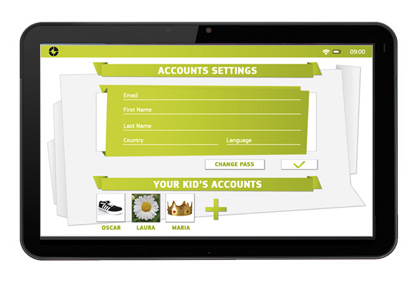
The new Max Steel Tablet by Ingo Devices simply combines fun and security, so that children can enjoy from the latest technology and parents can be assured that they are safe. Ingo Kids looks out for you! The new Ingo Kids software has been developed for parents to control the use of the tablet. Create unlimited user accounts, which allow you to control the online content, create a list of websites with permitted access, time limits … for each of the user accounts.
Max Steel World
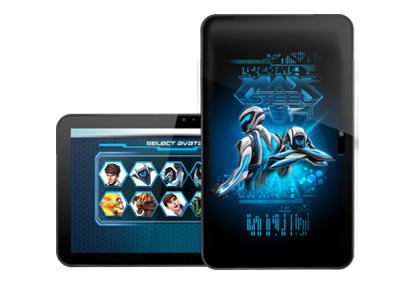
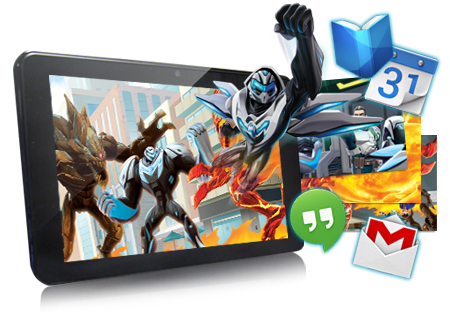
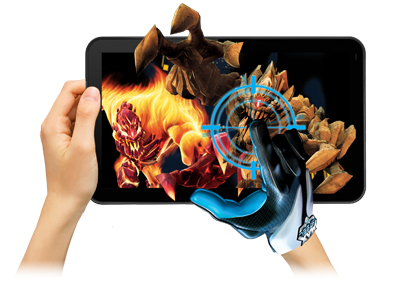
With fun design enter the Max Steel wold themed with exclusive backgrounds and icons.
The Best of Google Play
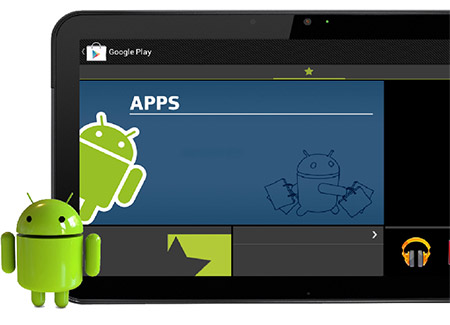
With the new Max Steel Tablet by Ingo Devices download the best apps, play fun games, as well as watch films, read books and listen to your favourite songs, this is all available to download from the Google Play Store.
100% Entertainment
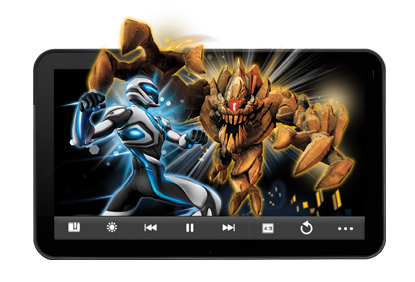
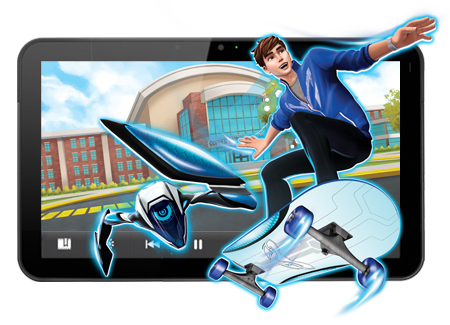
Enjoy every moment with films, songs and books with the new multimedia centre on the Max Steel Tablet by Ingo Devices. It comes with a video and music player, e-book reader and a great photo gallery to store all of your pictures.
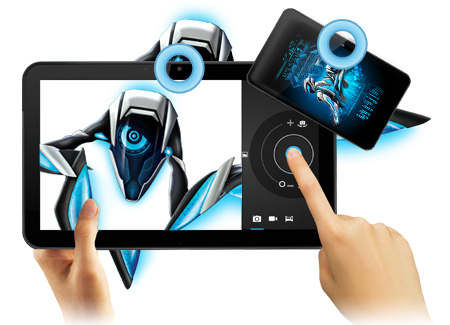
Smile!
It comes with a front camera to make fun video calls and a back camera to take pictures of all your family!
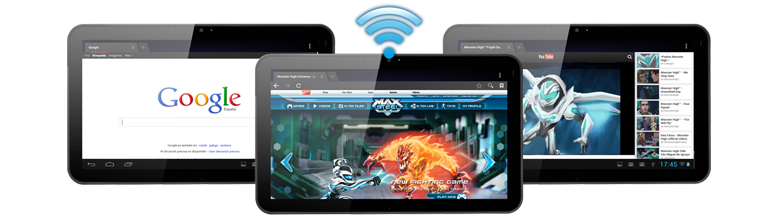
Connected
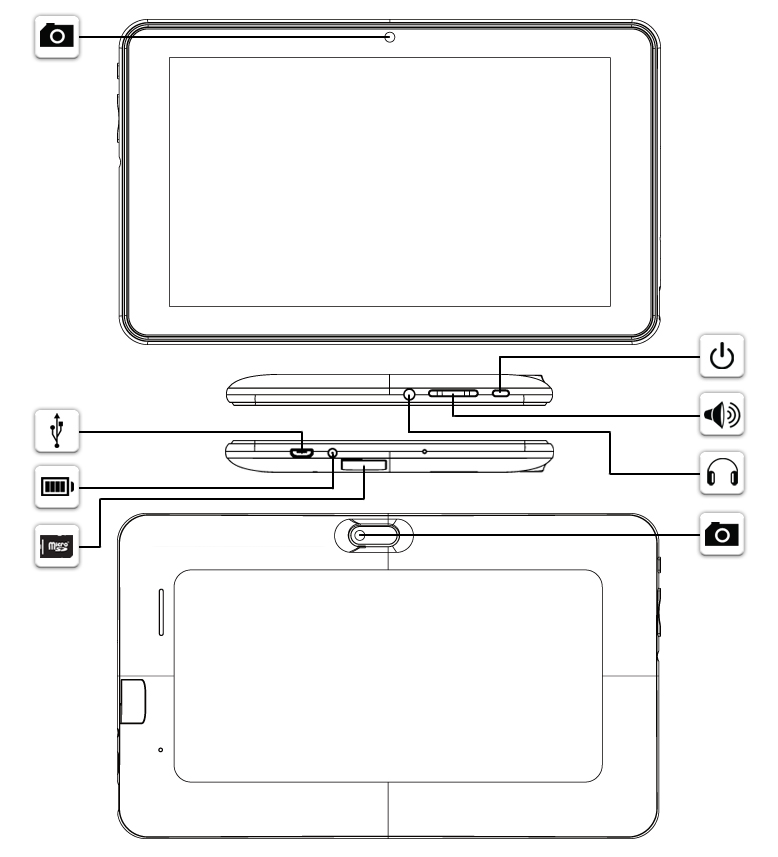
Features
EAN code
8436539203988
Commercial Product Code
MSU072E
Operating system
Android 4.1
Screen
7"
Front camera
0.3 mpx
Back Camera
3 mpx
CPU
1.2 GHz
RAM memory
512 MB
Flash memory
4 GB
Additional memory
Micro SD (not included)
WiFi
Si
Battery
3000 mAh Lithium
Connexions
Micro USB
Technical details
 2.32 Mb
Accessories
-
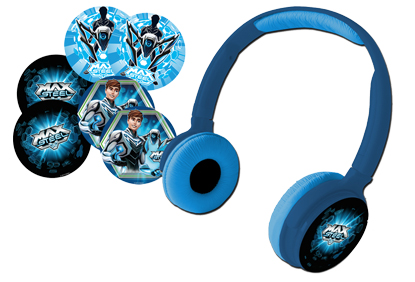
Headphones
Headphones audio Max Steel Butt turbo!. More powerful, longer cable and all ...Discover more > -
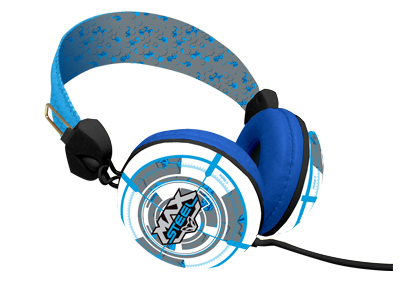
Headphones Premium
Max Steel Premium Headphones with unique design and premium quality. With this ...Discover more > -
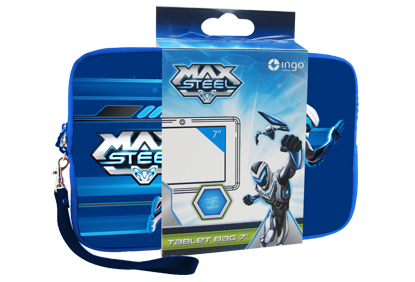
Tablet Bag
Case of Max Steel Tablet that lets you save the tablet from bumps and scratches ...Discover more >
Manuals
Manuals
F.A.Q.
What is the difference between the different tablet models?
The tablet models MHU001D, MMU002D and HEU004D have all the same specifications:- Android 4.0
- 7” Capacitive screen
- CPU 1.5 GHz
- 4 GB Internal memory
- MicroSD card slot, supports up to 32Gb memory cards.
- Android 2.3
- 7” Resistive touch panel
- CPU 1.2 GHz
Can more than one person use the Tablet?
Yes, you have the option of creating different user accounts each with different restricted access.
What is Ingo Kids?
Ingo Kids is a specialised software designed so that parents can safely and easily manage how their children can use their Tablet, such as, only browsing safe internet websites, time limits, apps available to younger children … In summary it allows children to have fun, whilst protected from online treats.
An update message has appeared on my screen, Should I update it?
At Ingo Devices we are constantly working to improve our products. The updates will improve the function, process and performance of your device.
How delete a Google account?
If an account is added, the account is shown in “Accounts & sync” of “Settings”, where you may also add another account. To delete an undesired account, go to “Settings” > “Privacy settings” > “Factory data reset”. Your tablet’s internal storage, installed apps, etc. will also be deleted, except pre-installed apps and the data in your flash memory. Be careful before you carry out this operation
Application not workable
Not all Android apps are compatible with all Android devices. If you have downloaded the app try to download it again and reinstall it.
Tablet gets locked and doesn’t respond to touch or buttons.
Reset your tablet. You can use a pin to stab the reset hole to restart your tablet
No sound from earphone
Check if volume is set to ‘0’. Or earphone may be broken, please change another one
Tablet doesn’t power ON.
Check the tablet’s power level, charge it with the adaptor for 2 hours and check again.. Or connect your tablet with your computer via USB cable to see if it can be powered on.
Why it says there is an error with the LAUNCHER app?
In some units we have detected an error when you select “Zoom to fill screen” in the screen main settings. In order to solve the issue we must press the icon of the screen settings (Placed in the low right corner of the screen with 4 diagonal arrows) and select the first option “Stretch to fill screen” and press Accept in the error message that it appeared. Once this option is selected the tablet will work perfectly.
The tablet sound is low, is it normal?
The tablet volume is limited to 85dBm this is according to the newest European Union safety standards to protect children ears. To ensure the maximum volume you must ensure that it’s placed at its maximum level pressing the + key that you have in the top corner of the tablet. Also we recommend you to have the speaker uncovered, since if we leave the tablet in a desk the speaker will be covered and it will sound low.
Can you charge the Tablet with a USB port?
No, due to the internal battery durability the tablet can only be charged with the charger included in the box.
Need more help
Too
You may like:
Follow us on: