MP5 Portable Multimedia Player
MP5 Portable Multimedia Player
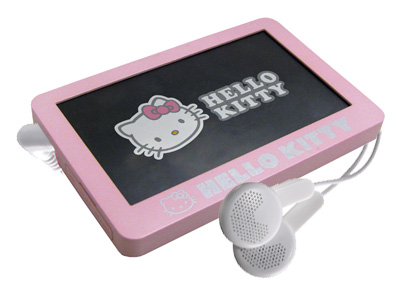
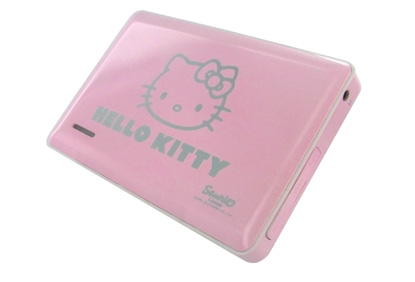
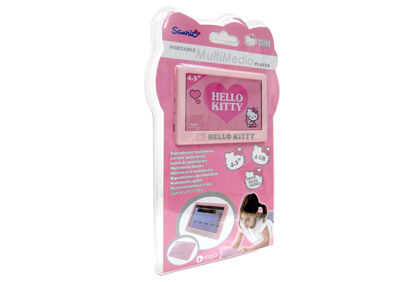
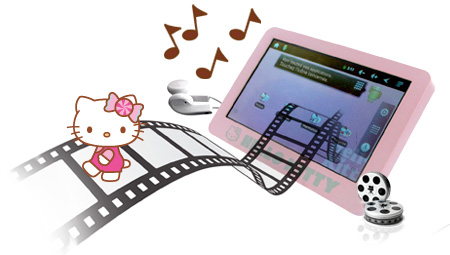
The Portable Multimedia Player Hello Kitty has it all for the most loyal fans. With a 4.3 inch screen lets you watch your favorite videos in MPEG / AVI and listen to all the music you want (MP3). It also includes several exclusive wallpapers Hello Kitty.Do not miss it!
Description
Totally Multimedia
Features
EAN code
8436539200987
Commercial Product Code
HEU001D
Screen
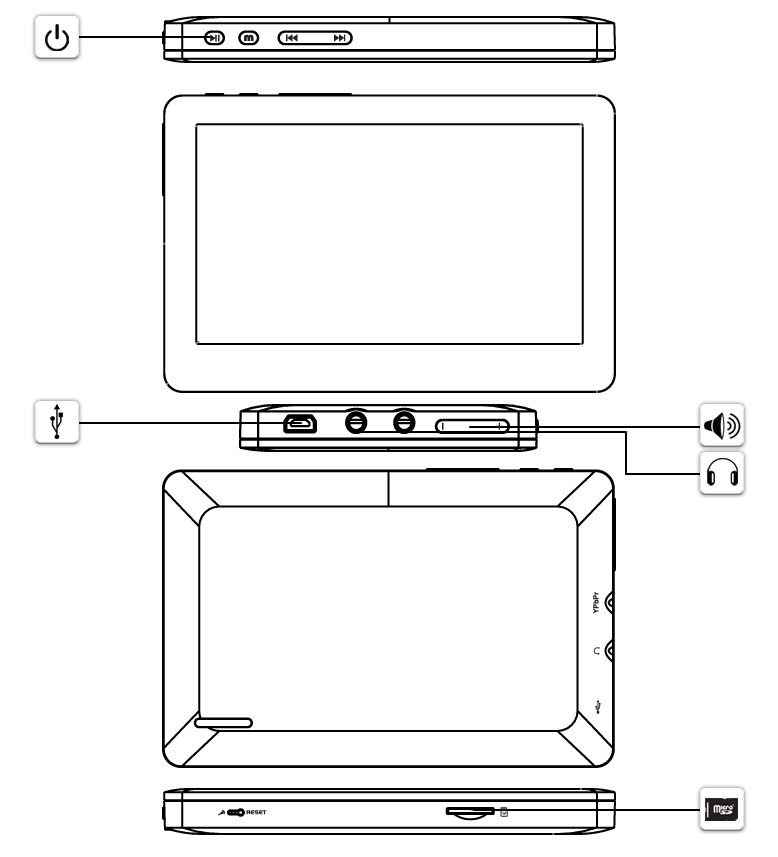
4.3 LCD
Internal memory
4 GB
Additional memory
Micro SD
Battery
Lithium battery
Video
AVI / MPEG
Radio
Si
Accessories
-
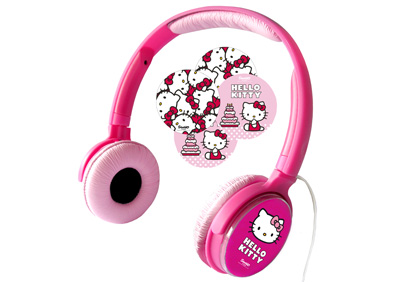
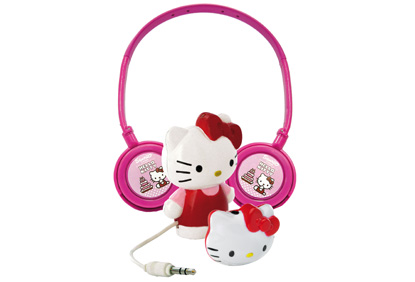
Headphones
Hello Kitty presents us with their latest Headphones. More power to listen, ...Discover more > -
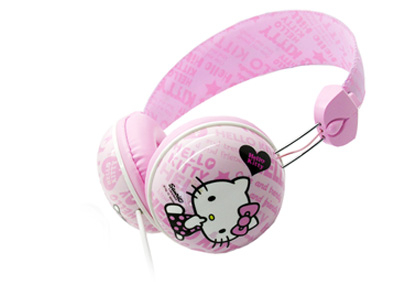
Headphones Premium
Design and quality join forces to create new Headphones Premium from Hello ...Discover more >
Manuals
Manuals
Other manuals >F.A.Q.
How to charge the MP3/MP4 player if you don’t have a wall adapter.
a. It can be charged using the USB cable, connecting it to the computer while the computer is turned on.
How to add files to the MP3/MP4 player.
a. Copying them in the MP3/MP4 player’s main directory, together with the folders that appear by default. b. It is important to make sure that you only try to copy files that are the right format for the model.
How to change the format of the files.
a. Using the converter programmes that come with every MP3/MP4 player.
How to format the MP3/MP4 player for the FAT32 file system.
a. Connecting the unit to your computer. b. Once the MP3/MP4 player is detected as a removable disk drive, selecting it and right-clicking, then selecting the “Format” option. c. In the “File System” option, select FAT32.